
AI website builder
Describe your business. Get a website.
Tell the builder about your business and the look you want, and it writes your whole site — on any template in our catalog, or on a custom design it creates just for you. Then keep going in plain English: say what to change, add your photos, preview it, and publish when it's right.
See it work
From a few details to a full site
Answer a few questions about your business, or bring the answers over from the website you have now, then start from one of our templates or have the AI design a custom site from scratch, with its own colors, fonts and pages. Either way, it writes the copy for your whole site, and everything stays editable afterward.
- A template or a custom designStart from one of our designer templates, or choose Build a custom theme and the AI lays out every page for your business, with free stock photos of scenes and things where they fit and simple drawings elsewhere, until you add your own photos.
- Colors and photos, handledTry the AI's palettes live on your site, ask for a different direction anytime, and drop in your photos: the AI puts each one where it fits.
- Edit in plain EnglishCome back anytime and just say what you want — 'shorten the intro', 'add a services section', 'make it punchier'. Preview the change, then publish or undo.
Start anywhere
Pick a template, or let the AI design one
Choose any template in our catalog — the builder suggests three that suit your kind of business — and it writes the whole site for you, page by page.
Or choose Build a custom theme. Tap through a few quick questions about the feel, the colors and what your site needs, and the AI designs it from scratch: the fonts, the color palettes, a layout for each page and a menu to match. Where a picture shows a scene or a thing, like materials, tools or ingredients, it can put in a free stock photo from Pixabay; the rest, like your team, your work and your place, get simple drawings in your colors until you add your own photos.
Already have a website? Start from it instead. Enter its address and we read what it shows publicly — your details, hours, services and prices, pages, posts and products — and copy over the logo and photos you choose. You check everything before your new site is created, and the AI writes your pages from what you keep.
Browse templates →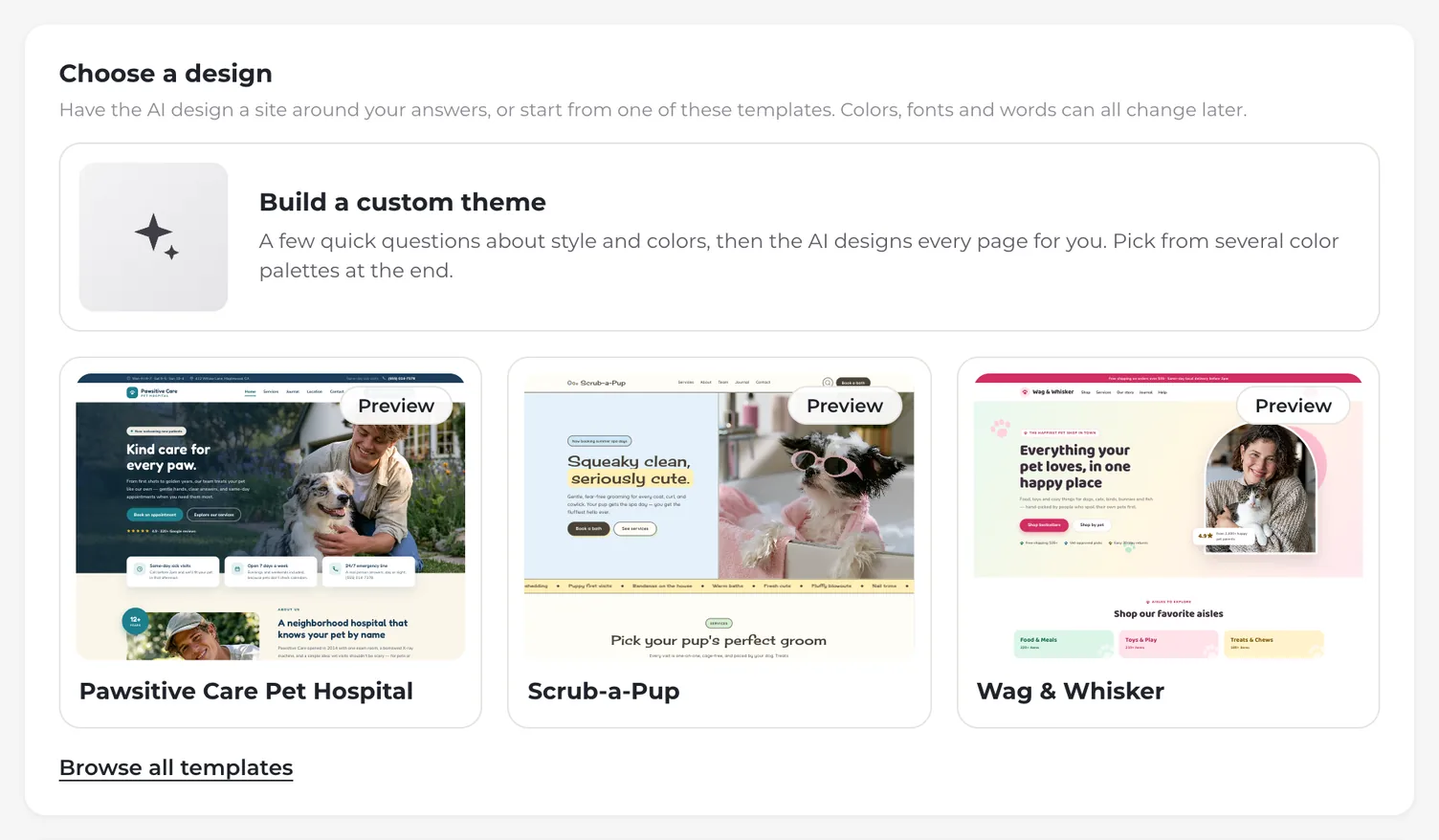
On brand
Brand colors, recommended
The builder recommends color palettes for your business — three on a template, or four to six on a custom design, which starts with the first one applied. Preview any of them live across the whole site, then apply the one you like. Want a different direction, like soft pastels or earthy tones? Just ask, and it suggests three more. You can fine-tune your colors and fonts anytime in settings.
Brand & style →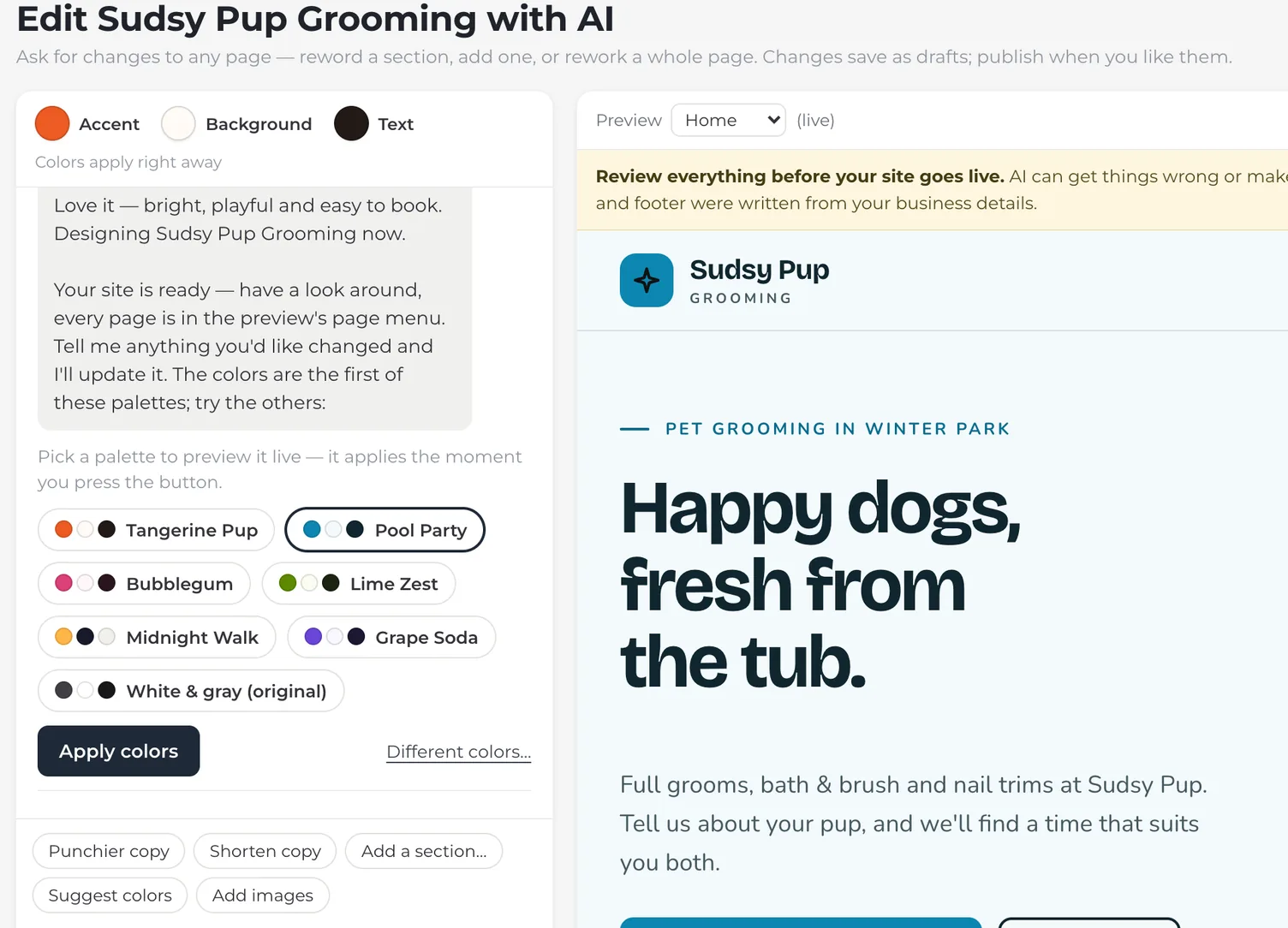
Your photos
Drop in your photos. The AI places them.
Add your own photos in the chat — a few at a time or a whole folder at once — and press Auto-place. The AI looks at each one and puts it where it fits best across your pages, in place of the template's stock photos or a custom design's drawings and stock photos, and writes the alt text for screen readers. Want one somewhere specific? Just say “use photo 3 for the hero.”
It never generates images. On a custom design, its first build can also pick free stock photos of scenes and things from Pixabay to stand in until you add your own; those are marked as stock, and Home reminds you to replace them. Or search the same free library yourself with Find photos in the chat. Every other photo it places is one you added.
How Auto-place works →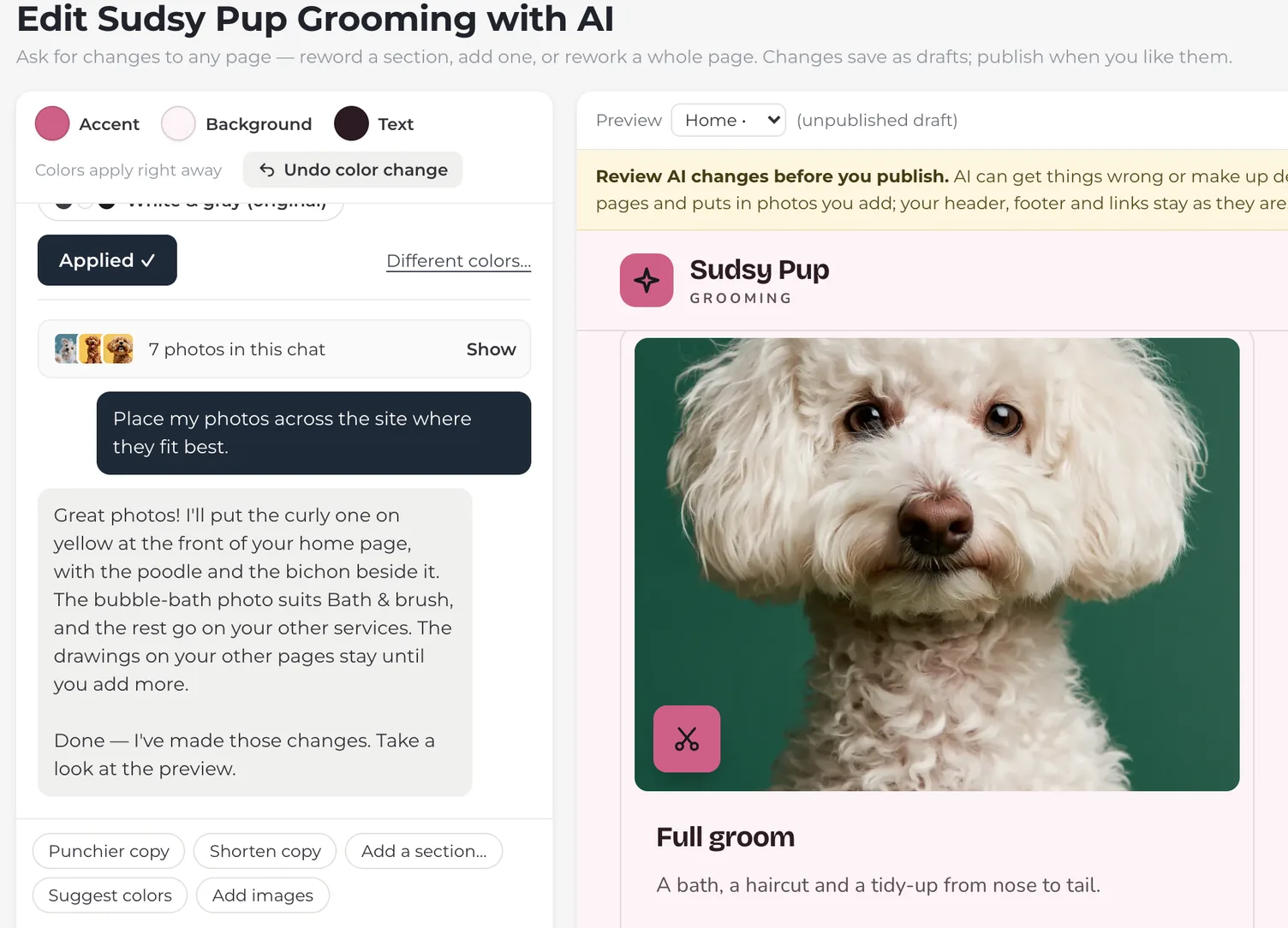
Keep going
Ask for changes on any page
Come back anytime and just say what you want — “make the headline warmer”, “add an FAQ to the services page”, “move the gallery up”. The builder rewrites the words and adds, moves or removes sections on any page of your site. You preview each change, then publish it or undo it. No forms, no code.
See the editor →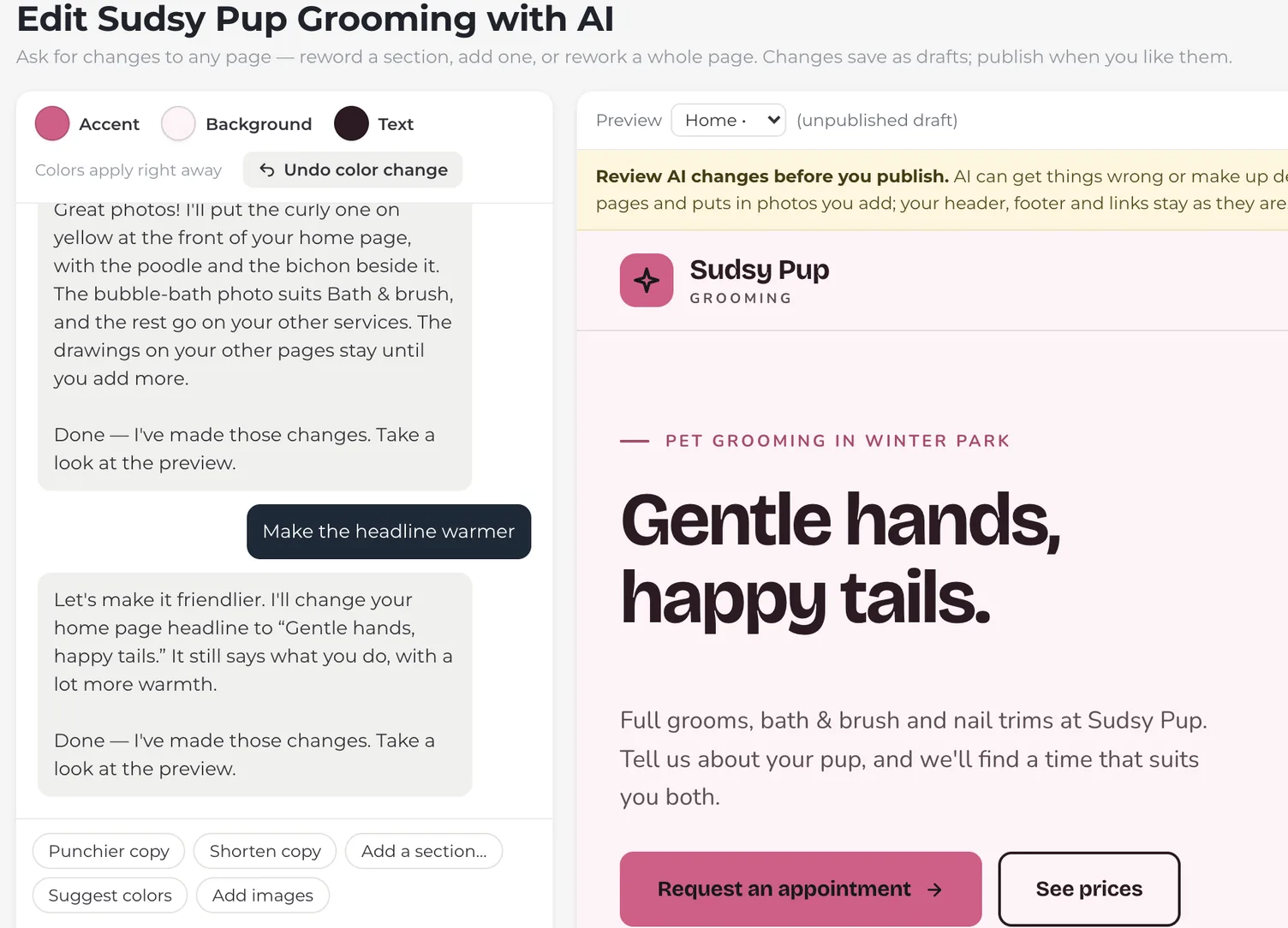
From prompt to published in three steps
Describe your business
Fill in a few details, or bring them over from your current website and check them, then pick a template or a custom design. Tell the builder the look you want in a sentence, or tap through a few quick questions.
Review your draft
See your real pages, written for your business — on the template you picked, or designed from scratch with their own colors and fonts.
Refine and publish
Ask for changes in plain English, add your photos, and preview it all. Then go live, and come back to edit anytime.
What the AI does — and what you control
The builder writes and arranges your pages, places your photos and suggests your colors. You always have the final say.
The AI does
- Writes the copy for your pages
- Picks and orders your sections
- Can design a custom theme
- Suggests color palettes
- Places the photos you add
You control
- Edit any text or section
- Change any image yourself
- Set where every button links
- Preview before publishing
- Undo anytime